OAuth2 Loginscreen
With ADITO 2021.1.0 you are able to use a Microsoft interface to enter your credentials and continue with the ADITO Web Client. This login interface will remember you as long as the browser session exists.

After closing your browser, you have to enter your password again but your username will be remembered. This process will look like this:
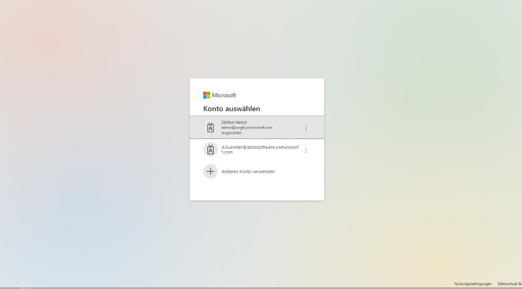
In order to achieve this, you need to create the login method "oauth2-authorizationcodeflow" (same as above) with a working authentication provider. After setting up your login method, you have to select your login method in the "neonLoginTypeIds" property.
With Version 2021.1.1 you will be directly redirected to the Microsoft interface and won’t have to click on the button in the first place.
If you are using the Microsoft interface to log into your account, you cannot use other login methods anymore! This also includes the ADITO Manager!